Spider-Man & Acrobatic Traversal Animation Reference
Spider-Man & Acrobatic Traversal Animation Reference is a professional animation reference guide for analyzing real-world biomechanics, timing arcs, and key poses. Acrobatic traversal combines extreme flexibility, kinetic arc trajectories, weightless apex points, and explosive spring-loaded landings.
Study Spider-Man & Acrobatic Traversal Animation Reference Clips
Click any clip to scrub frame by frame, loop contact phases, inspect balance arcs, and analyze organic timing.
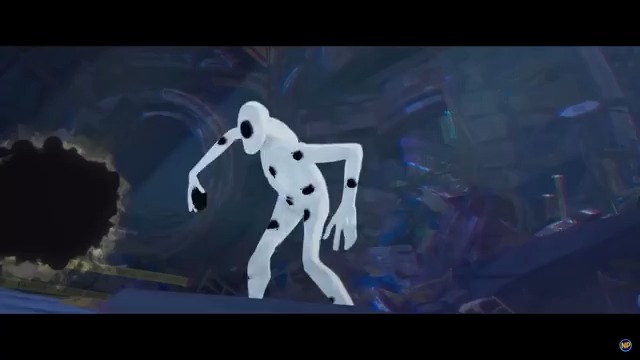
Spider Verse

Backflip Reference – Floor - Male | Realtime 24fps | Body Mechanics for Animation
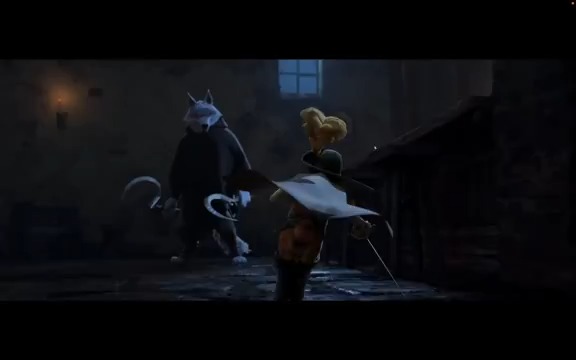
Puss In Boots
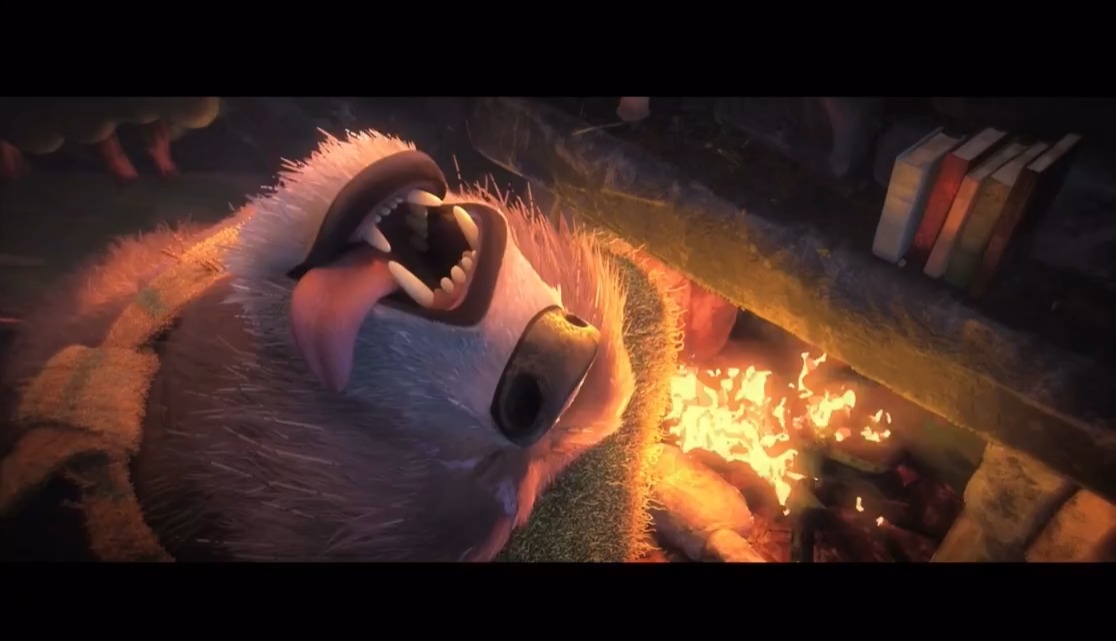
Puss In Boots

Mitchel VS The Machine
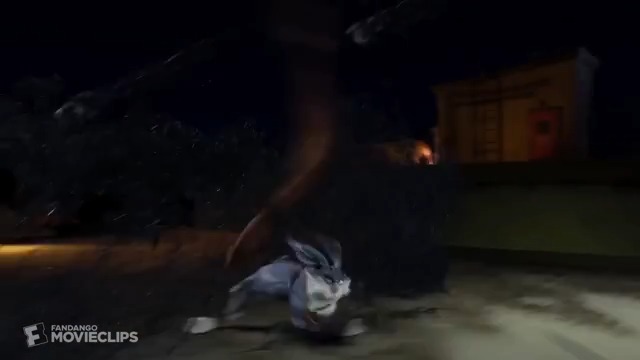
Rise Of The Gaurdians
Reference: Running and Jumping

3d Background: Combat & Running Locomotion (Cut #71602 - Alberto Mielgo)

3d Background: Character Acting & Smears (Cut #231470 - Cgi)

Layout: Debris FX & VFX & Effects (Cut #232098 - Production Materials)

Production Materials: VFX & Effects & Running Locomotion (Cut #240421 - Spencer Wan)

3d Background: Creature Animation & Combat (Cut #71600 - Alberto Mielgo)
Anatomical & Kinetic Breakdown
Master the Core Mechanics
Web-Slinging Trajectory & Pendulum Arcs
The momentum of a pendulum swing accelerates at the lowest apex of the curve and decelerates at the highest peak before release. Track how the spine bends into deep C and S curves during flight.
Extreme Poses & Foreshortening
Notice how dynamic comic poses push silhouettes: hands and feet thrust toward the camera lens to create intense depth and visual excitement.
24 FPS Frame Timing & Cadence
At standard 24 frames per second cinematic cadence, two complete steps take exactly 24 frames (12 frames per single stride). Fast brisk walks tighten to 16-18 frames, while a heavy character or leisurely stroll extends to 28-32 frames. Ensure the contact frame occurs on frames 1 and 13, down impact on frames 4 and 16, passing pose on frames 7 and 19, and the apex up position on frames 10 and 22. Deviating slightly in spacing rather than timing prevents mechanical rigidity while maintaining clear rhythmic tempo.
Common Animator Pitfalls to Avoid
Avoid linear translation curves on the root bone in 3D rigs; human hips decelerate as they rise toward the up pose and accelerate into the down pose. In 2D hand-drawn animation, ensure that the foot roll stays planted without phantom slipping on the contact frames. Always trace the heel and toe arcs: the foot should lift with a smooth parabolic trajectory rather than snapping abruptly into the passing phase.
How to Study This Reference Like a Pro
Step frame by frame and pinpoint the exact contact and reversal frames. Trace the pelvis and spine line of action first before keying the limbs. Exaggerate the arcs and preserve volume.
Study Related Reference Tags
Jump into dedicated tag feeds with thousands of community, studio, and production references.
Related Animation Guides
Frequently Asked Questions
Q.How do you make aerial flips feel natural?
Ensure the character tucks in to rotate quickly and extends their limbs to slow down rotational speed before landing, matching the real physics of angular momentum.
Q.How should an animator study Spider-Man & Acrobatic Traversal Animation Reference frame by frame?
Step through the footage using arrow keys to pinpoint contact and reversal frames. Map out the line of action and pelvis trajectory first before keyframing limb details, and test your timing with side-by-side playblast comparison.