Real Life Animation Reference & Live-Action Footage
Drawing from imagination alone can lead to floaty or unconvincing animation. Frame-by-frame analysis of real humans, martial artists, dancers, and athletes provides the grounding in physics and organic timing that every master animator relies upon.

Walk Reference - Casual – Slow Motion | Female Dancer | Body Mechanics for Animation
By Studio Reference
Study Real Life Animation Reference & Live-Action Footage Clips
Click any clip to scrub frame by frame, loop contact phases, inspect balance arcs, and analyze organic timing.
Walk Reference - Casual – Slow Motion | Female Dancer | Body Mechanics for Animation
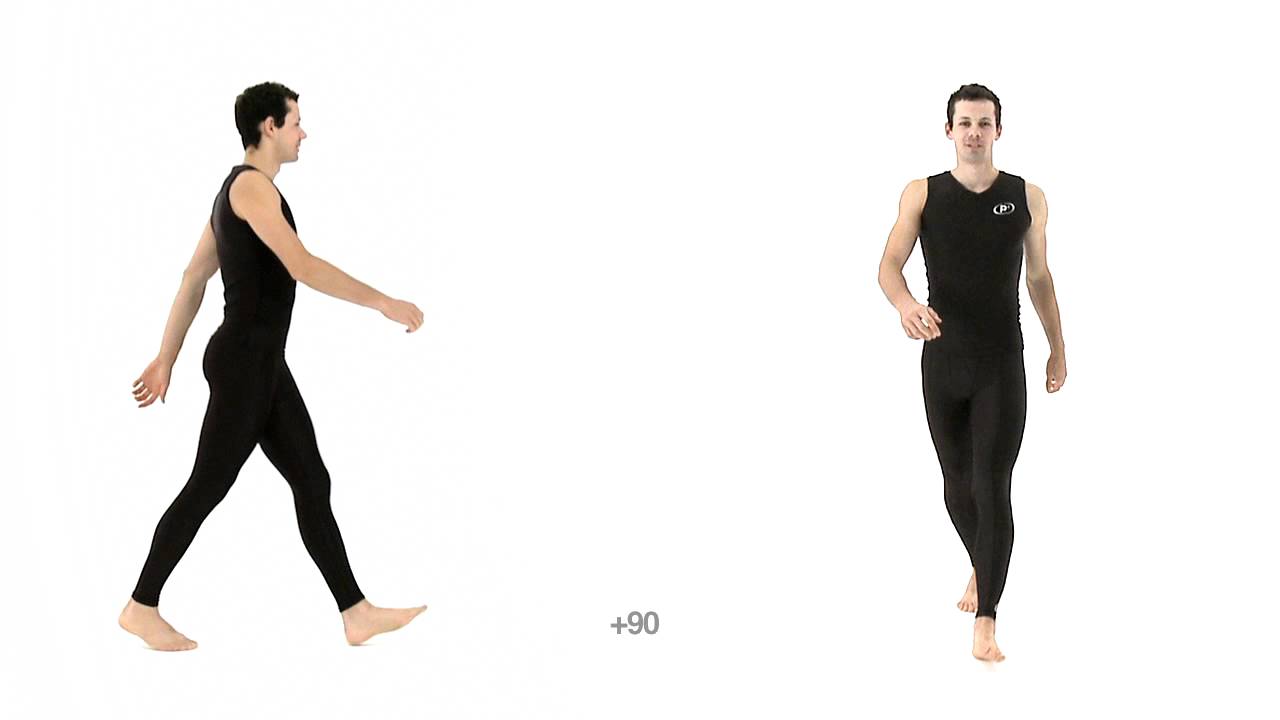
Male Walk Cycle Animation Reference | Front & Side Views & Realtime playback speed

Backflip Reference – Floor - Male | Realtime 24fps | Body Mechanics for Animation

Backflip Reference - Dismount - Male | Realtime 24fps | Body Mechanics for Animation
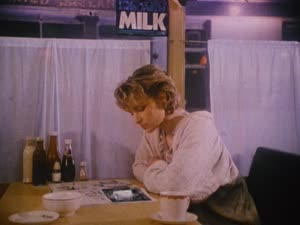
Black And White: Background Animation & Character Acting (Cut #216490 - Live Action)

Falling: Background Animation & Debris FX (OP (R2JDVD) - Live Action)

Live Action: Character Acting & VFX & Effects (NCED1 (solo KA) - Taiki Konno)

10+10: Character Acting & VFX & Effects (NCED10 (BD) - Chainsaw Man)

How To Train Your Dragon Live Action

Animal Locomotion I, Plate 27 - Nude Man Walking and Carrying a 75 lb stone on h

The Green Cloak — Visdev study — Sheet 8

Kiss, animated from Animal locomotion, Vol. IV, Plate 444 by Eadweard Muybridge
Anatomical & Kinetic Breakdown
Master the Core Mechanics
Filming & Analyzing Live-Action Footage
When shooting or studying live-action reference, observe the anticipation beats that precede every major exertion. Notice how muscles compress and preload before an athlete jumps, or how head tilts stabilize gaze during rapid rotations.
Translating Reality into Stylized Animation
Do not simply copy reality frame for frame. Great animators distill real reference into clear silhouettes, emphasize squash and stretch, tighten loose timing, and push lines of action while preserving organic weight transfer.
How to Study This Reference Like a Pro
Step frame by frame and pinpoint the exact contact and reversal frames. Trace the pelvis and spine line of action first before keying the limbs. Exaggerate the arcs and preserve volume.
Study Related Reference Tags
Jump into dedicated tag feeds with thousands of community, studio, and production references.
Related Animation Guides
Frequently Asked Questions
Q.Why is real-life reference important for stylized 2D/3D animation?
Real-life reference grounds stylized performances in authentic weight, balance, and momentum. Once you understand the physical truth, you can exaggerate it with purpose.
Q.How can I scrub live reference effectively?
Use our frame-by-frame player to step single frames forward or backward, loop key phases, and use the on-screen draw-over tool to trace center of gravity.